 Brand Banao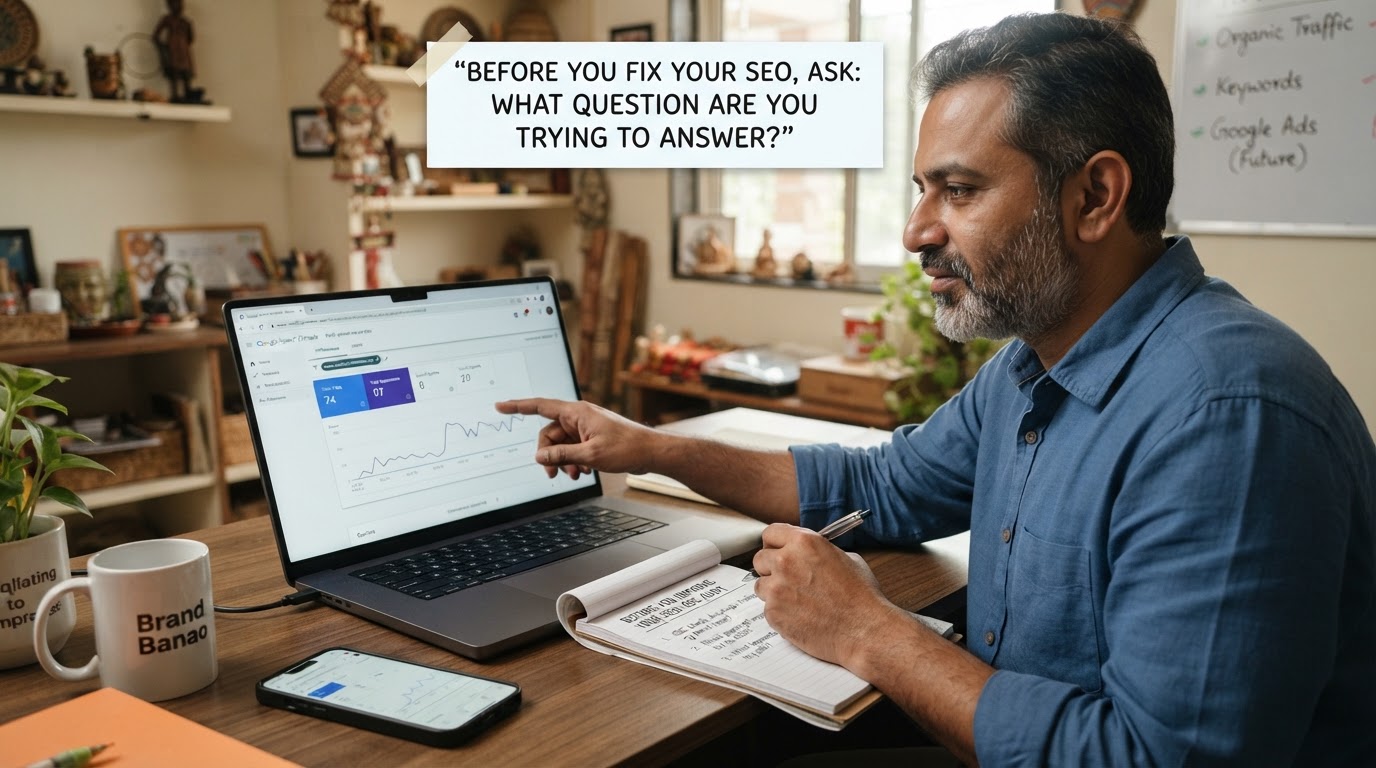
Google Search Console: What to Check Before You Improve Your SEO
Start here: what question are you trying to answer?
Google Search Console is a free Google tool that helps you understand how your website appears in Google Search. For a business owner, its value is not simply that it contains reports. Its value is that it can help you turn a vague concern, such as “Why are we not getting more website visitors?” into a clearer SEO question to investigate.
Start by deciding what you want to learn. You may want to know which searches are leading people to your site, which pages Google is showing, whether an important page can be indexed, or whether a page needs a closer look. Each question leads to a different report and a different next step.
Do not treat Google Search Console as a one-time setup task. It is better used as a regular starting point for SEO decisions. Review what you can see, write down what changed or stands out, then choose one question to explore further. This hub introduces the main areas so you can decide where to go next.
The main areas to understand
Google Search Console contains several reports, but you do not need to learn everything at once. Begin with the area that best matches the question in front of you.
Search performance
The Performance report can help investigate a basic marketing question: What are people searching for when Google shows or sends them to my website?
Look at search queries, pages, clicks, impressions, average position, and click-through rate as signals to explore. A query with impressions may indicate that Google is considering your page relevant to that search. A page receiving clicks may be worth protecting, updating, or expanding. A query that is relevant to your business but has limited visibility may point to a content opportunity.
Numbers alone do not tell you what to change. Use them to ask better questions: Is this search relevant to what we sell? Does the page answer the search clearly? Is there a more useful page we should create?
Go deeper: How to read Google Search Console search queries.
Pages
The Pages report helps investigate: Which pages are Google processing for indexing, and which ones may need attention?
A page needs to be indexed before it can appear in Google Search results. The report can help you review pages Google has indexed as well as pages it has not indexed. A non-indexed status is not automatically an error. Some pages, such as duplicate versions or pages you do not want in search, may not need to be indexed.
The business question is more useful than the status alone: Is this an important page that customers should be able to find through Google? If yes, review why it is not indexed and check the page itself before making changes.
Go deeper: How to check page visibility and indexing in Google Search Console.
Indexing
Indexing is the process by which Google can add a page to its index for possible display in search results. Google Search Console offers tools that can help you inspect an individual URL and understand what Google sees about that page.
This area is useful when you are asking: Can Google access and consider this specific page for search? It is particularly relevant after publishing a new important page, changing a URL, or finding that a page is not appearing for searches you expect.
Do not assume every visibility issue is an indexing issue. A page can be indexed and still not rank prominently for a given query. The URL inspection process helps separate “Is this page available to Google?” from “Is this page the best answer for this search?”
Go deeper: Google Search Console indexing checks: a practical guide.
Links
The Links report can help you investigate: What links does Google Search Console show for my site?
Links can provide context about how pages on your own site connect with each other and which external sites link to your website. Internal links help visitors and search engines move between related pages. External links are one of many signals Google may use when evaluating pages.
Use this report to spot patterns, not to chase a number. For example, you might notice that an important service page has few internal paths leading to it, or that a useful guide has attracted links that suggest a topic is worth developing further. Check the actual pages before drawing conclusions.
Go deeper: Internal links and external links: what to review for SEO.
Site experience
Google Search Console also includes reports and signals related to site experience. These can help investigate questions such as: Can people use this page comfortably on a mobile device, and are there technical issues worth checking?
A good site experience supports visitors once they arrive. But avoid treating a report as a scorecard to optimise in isolation. First consider the page's purpose. Can a customer read the information, take the intended action, and move to the next useful page? Then use technical reporting to identify items that may need developer review.
Go deeper: Website experience checks to prioritise alongside SEO.
A practical first-check routine
A short, recurring review is more useful than opening Google Search Console only when traffic drops. Choose a rhythm you can maintain, such as a monthly check, and keep the first review simple.
- Review what people searched for. In the Performance report, look for queries that are relevant to your business. Note queries receiving clicks, queries receiving impressions, and queries that suggest a customer need you have not addressed clearly.
- Identify pages receiving attention. Review the pages appearing in search results and receiving clicks. Ask whether each page still reflects your current products, services, location, prices, or business information where relevant.
- Note pages that may need investigation. Look for important pages that are not appearing as expected, pages with indexing statuses you do not understand, or pages that have changed noticeably since your last review.
- Record observations before changing your website. Write down the date, the page or query, what you observed, and the change you plan to make. This gives you a reference point when you review the result later.
Keep this record straightforward. You do not need a complex dashboard. A spreadsheet or document with columns for date, query or page, observation, action, and follow-up date can be enough.
Avoid making many unrelated changes at the same time if you want to learn from the results. When possible, connect each change to a clear question. For example: “We are updating this service page because it appears for a relevant search but does not explain the service clearly.”
Common questions to investigate
Which searches bring visitors?
Start with the queries that receive clicks. These show searches where people selected a result from your site. Check whether the search matches the page a visitor reached and whether that page gives a clear next step.
Then review relevant queries with impressions. They can show the language people use when looking for a product, service, problem, or category. Do not create a page for every phrase. Group closely related searches by the question they represent, then decide whether an existing page can answer that question or whether a new page is justified.
Explore the process in detail: How to use search queries for SEO content planning.
Which pages are appearing?
Review the pages report in Search performance to see which URLs are appearing for Google searches. Start with pages that matter to the business: service pages, product category pages, location pages, and useful guides.
For each page, ask three questions: Is it still accurate? Does it match the searches it appears for? Does it help the visitor take the next logical step? A page that appears for relevant searches may need clearer information, a stronger structure, or links to related pages. A page appearing for unrelated searches may need a closer review of its topic and wording.
For a focused visibility review, see How to check page visibility in Google Search Console.
Why might a page need attention?
A page may need attention because it is not indexed, because it is indexed but receives little search visibility, because its content is outdated, or because it is difficult for visitors to use. These are different situations, so they should not receive the same fix.
First, define the issue precisely. Use URL inspection when you need to check a particular page. Review the page's content and internal links when the page is available in Google but does not seem to answer a relevant search well. Seek technical help when reports point to issues you cannot safely assess or resolve.
Read the next checks: What to investigate when a page is not appearing on Google.
Is there a content opportunity here?
Search data can reveal questions that your business could answer more clearly. Look for relevant themes rather than isolated keywords. If multiple searches point to the same customer question, that may be a useful topic for a guide, service page update, category page, or FAQ section.
Before publishing, check what the searcher is likely trying to do. Are they learning, comparing options, looking for a local provider, or ready to buy? Your page should match that need. A useful content plan connects a real customer question to a page with a clear purpose.
Continue with SEO content planning from Google Search Console findings.
What to do after you find a problem or opportunity
Google Search Console helps you identify the next question. The action depends on what you find.
Content updates
Choose a content update when a page is relevant but incomplete, outdated, unclear, or missing the answer a searcher needs. Review the page's main purpose before adding text. Improve the explanation, organise it with useful headings, answer the central question directly, and link to genuinely related pages.
If several relevant searches point to a question your website does not cover, plan a new page around that question rather than adding unrelated material to an existing page. See SEO content planning from search data for the full workflow.
Technical checks
Choose a technical check when an important URL may not be accessible to Google, when indexing reports need explanation, or when a site experience issue may affect how visitors use the page. Check the specific URL and the report details before changing site-wide settings.
Technical SEO changes can affect many pages. If you are unsure what a setting or status means, pause before making changes and use the dedicated guide: Google Search Console indexing checks.
Requests for specialist help
Ask a developer, SEO specialist, or website platform support team for help when the issue involves website code, server settings, redirects, structured data, platform limitations, or a status you cannot confidently interpret. Give them a clear brief: the URL, the report or message you saw, when you noticed it, and what outcome you expected.
This hub is not a list of fixes for every report. Its job is to help you choose the right question and the right follow-up resource before you act.
Build your Google Search Console learning path
Use this hub as the starting point for a simple learning path:
- Search queries: understand the searches connected to your site
- Page visibility: review the pages appearing in Google Search
- Indexing checks: investigate whether Google can process an important page
- SEO content planning: turn search findings into your next content priority
You do not need to solve every SEO question in one session. Start with one observation, choose the matching guide, make a considered change where appropriate, and return later to review what you learned.
Use your Google Search Console findings to choose the next SEO content topic for your business.